I have a hand drawing of a siphon system that I�m hoping to get input. I took a picture with my phone and I am unsure how to post the picture. Could someone please give me some advice? Thanks! Heppy
The simplest way is to "Switch to Full Reply Screen" which is below the Quick Reply text screen that you typically type your response in.
Then, click to "File Manager"...A pop up window will appear.
Then, I use the Browse Button to go out to my computer drive and find my photo. MAKE SURE YOUR PHOTO SIZE IS LESS THAN 2MB.
(I use IRfanView free software to resize photos among other things - This resizing exercise can be done a million different ways and which way is up to you.)
Once you picked your photo you will be directed back to the pop up window and you must click the "Add file" button.
If that is the only photo you wish to post...click "Done adding files".
If you wish to add more...use the "Browse" button again until you have selected all the photos you want to post, then hit the "Done adding files" button.
You will be taken back to your post and the "File Manager" option below the text box should indicate how many "total Files" you will be uploading.
Then, the attached photo will look like this in your post...
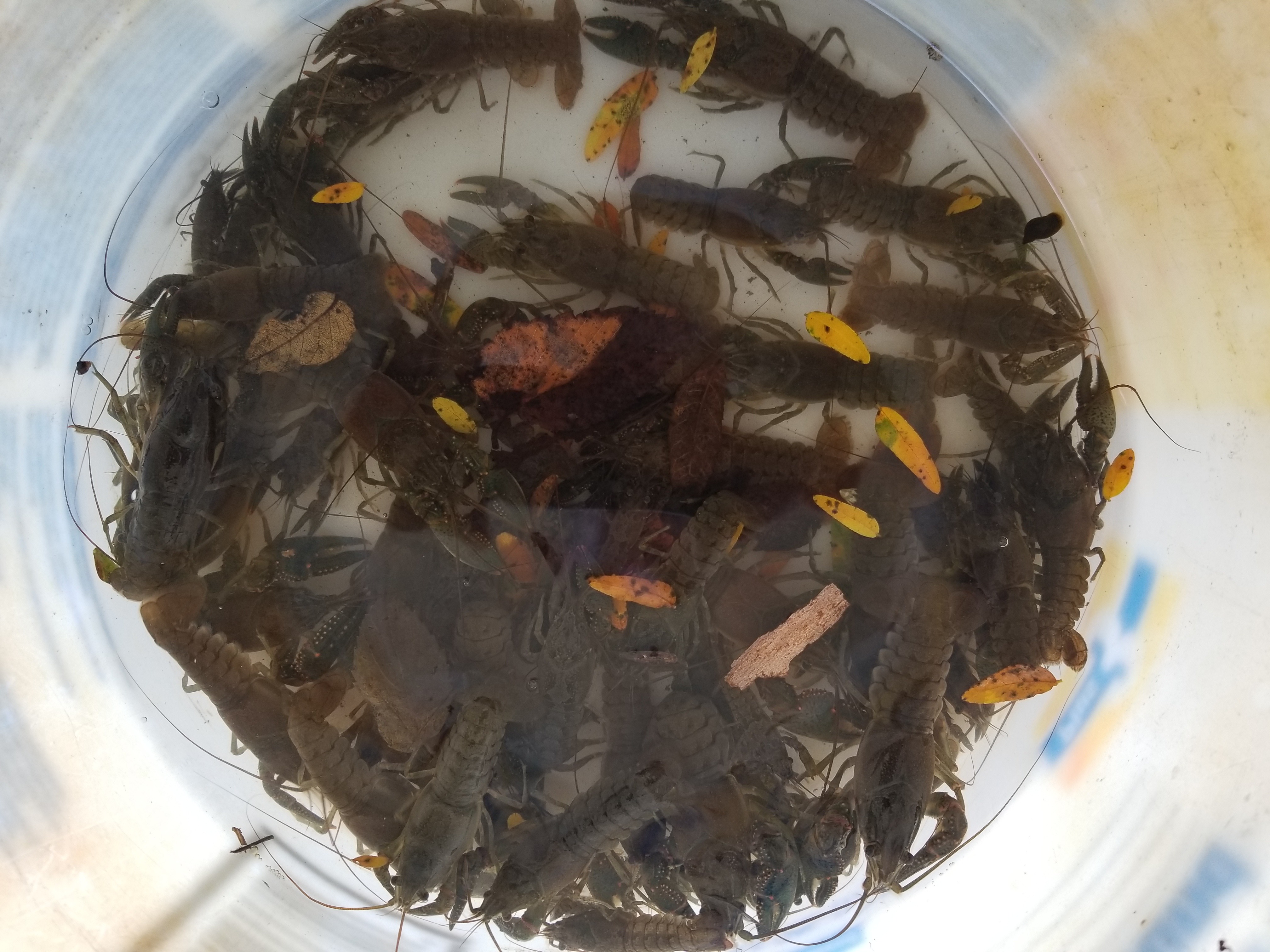
I think the above says what it needs too. Other than...all we have to do is click the "Attachments" file (e.g. "Crawdads.jpg") and the photo appears. (Hit the back arrow to return to the post.)
Now, if you want to get fancy (I learned this from RC51)and you want your photo to appear in the actual post as a picture instead of a clickable file...
The following works with Windows Explorer and is similar BUT a bit different in Chrome (I can't remember how exactly). If you are an apple user- you're on your own! (I think you have to stand on your head) Anyhow...
Right click the filename "Crawdads.jpg" in the post and choose "Open in new tab" then click the new tab that just opened. You will see your photo.
Right click in the photo and choose "Properties". A pop up window will appear and you will want to copy the "Address (URL)" information the will look something like this...
Now, hit the pop up cancel button go back to your post and hit the edit button bellow the post and find the area that you wish to add your photo and type the following...
[img]
Then, immediately paste the URL address info you copied and follow immediately it by typing...
[/img]
The text will look something like this (I have replaced the first and last Bracket [] with pound signs #, I had to do this to trick the system to actual display the rest of the string...
This is the best I can do, I hope it suffices. These methods are really pretty easy once you've done it a few times and I don't believe PB has these instructions available. The only instructions I have found are for posting photos to the gallery and that is rarely used.
There are other ways of posting pics, but they rely on 3rd party sites and those photos can be lost if the 3rd party decides to change it's rules like potobucket did.
The message I get when trying to add .jpg file that is 996kb is as follows.
UBB Message We encountered a problem. The reason reported was The files you may upload must have the following extension: : .gif,.jpg,.txt,.zip,.png,.xls,.xlsx
Please click [ Back ] to return to the previous page. Heppy