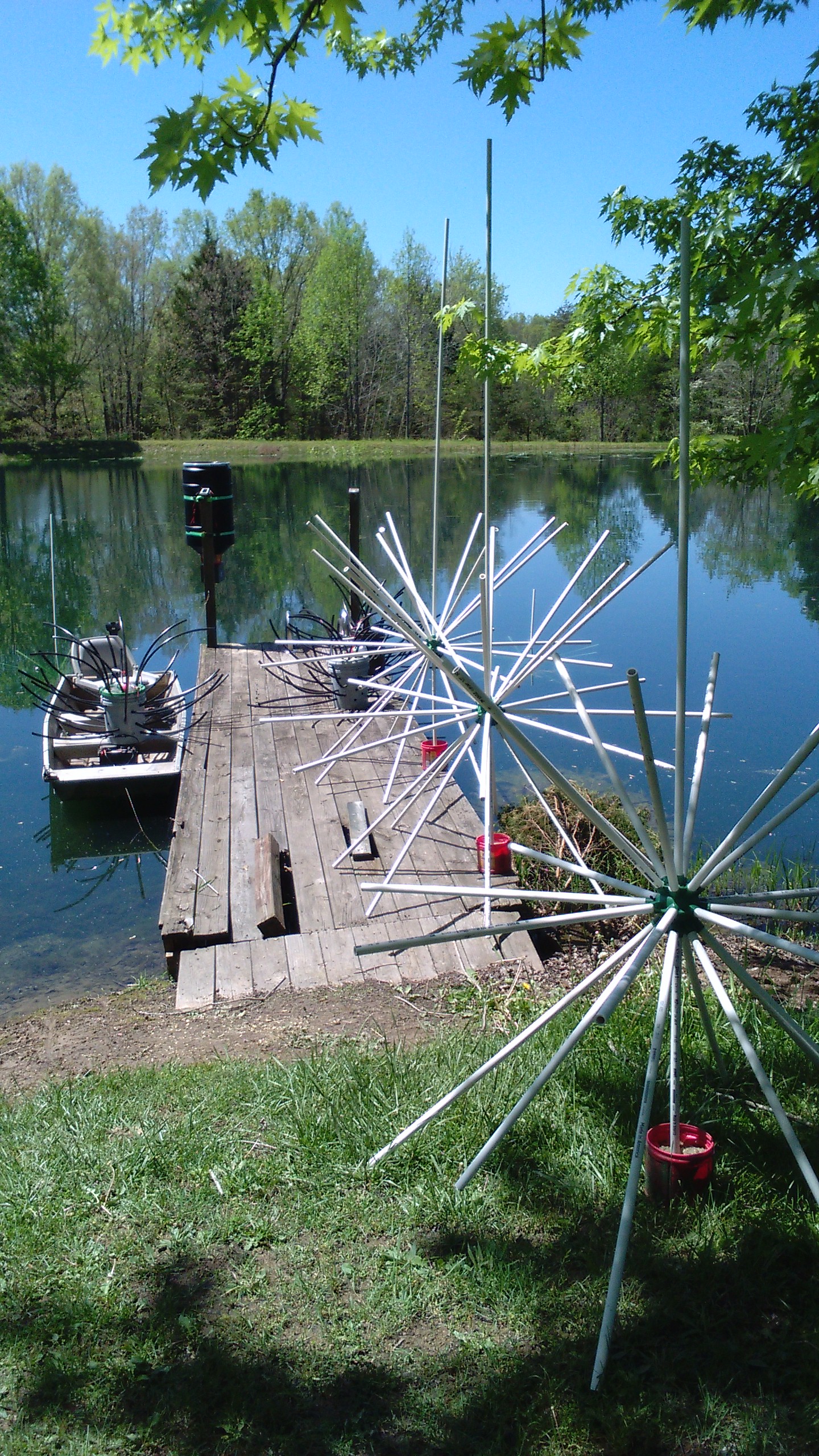
I read the how to post an image instructions and am now t totally confused. Question : While logged in on my phone can i post pictures off my phone into my post without me having to go back to school ? Signed Cyber Illiterate
I tried to download some off of my computer, that I transferred there from my phone, said they were too big, said I had to cut them down, didn't know how to do that either and if I could it wouldn't be the same picture. signed, just another cyber illiterate.
All the really good ideas I've ever had came to me while I was milking a cow.
I can't help you with the phone applications, but when you need to resize the photos...you can open the photo with Microsoft Window's "Paint" software. I think all PC's come with this software. Open the photo in Paint and, on the HOME tab, hit the RESIZE button. It will give you the option to resize by percentage. If your photo is 4MB (4000KB), then you should reduce it by 50 percent to meet the 2MB limit. Once you have resized the photo, save it as a jpg file under a different name so that you don't reduce the quality of the original and then you should be able to post it to PB.
There are fancier softwares out there to change photo sizes, but this one is about as basic as it comes and it's pretty handy for sketching on the photos in case you need to post notes on the photos.
Disclaimer...if your a MAC user...you're on your own.
QA that's exactly what I use also. Paint is quick and easy. Most phones also let you edit your pic and shrink it. I don't guess I have every tried to post from my phone... lol so I cant help there. I would think it would still work pretty much the same as long as it's the correct size and format. jpg. More than likely you would only be able to post the link and folks would have to click on it to view it but it would still be there at least. If you do it from your computer once your post the link you can do these steps to show pic.
1. Right click on your picture link go to properties and copy the url then edit your post and then past your url in the post. at that point all you have to do is this in front of your image and at that end of it.
In front put this. [img] and on the back side put this. [/img] and then click change post. this should allow the pic to be seen without clicking on the link. Hope that makes sense. As QA said remember all pics must be under 2MB's in one post. So if your doing 3 or 4 pics they all must be under the 2MB size combined.
RC
The only difference between a rut and a Grave is the depth. So get up get out of that rut and get moving!! Time to work!!
Lol thanks for trying fellas i guess ill just stick to type. i have paint on my work computer and have resized a picture but i dont even know what a url is letalone how to enter it. Or how to get my phone pictures on my work computer. Lol again" now im not asking for instructions because then youd have to explain to me how to follow them. Good luck to the rest of you cyber illiterates though!
This issue pops up waaay too often! Is there any way the forum can make it simpler to post photos? I know everyone on here likes to see photos and I enjoy posting photos. I am a member of several other forums for different things and have no problems posting photos off my computer onto their sites. So what is making this one so difficult??
Dear Alcohol, We had a deal where you would make me funnier, smarter, and a better dancer... I saw the video... We need to talk.
Auto shrinking the oversized photos and automatically posting the photo to show up in the actual post would be GREAT...even though that may be "Pie in the Sky", it would be ideal for forum continuity and user friendliness.
Thanks a bunch guys! I may able to do that, had a few photos I wanted to post, I do have paint on my computer so at some point when I have a few extra minutes I will try resizing them and posting, Thanks again!
All the really good ideas I've ever had came to me while I was milking a cow.
i downloaded an resizing app on my phone and have found the route to post them here but even sizing them down to 1% which is just a blur it still says its to large. Again im not sure whataheck im doing other than i believe im following the directions. Anyhoo good luck
Test i know you cant see the the fluffy stuff on the bottom but if its FA. I read that as it dies it floats to the top. In your opinions if it is FA on the bottom is this what i have in my hand. just trying to get a grip on things,Pun intended
..Disclaimer...if your a MAC user...you're on your own.
It's very easy on a Mac. Just double click the pic file and it automatically opens in preview mode. Duplicate the pic to make it editable, and then resize or crop the pic to whatever size you want. I always set the width at 800 pixels, and it displays correctly on the screen, and is usually less than a meg. Mac's also let you fine tune the file size for downloads.
As a rule, 3 letter extensions are more apt to display correctly. filename.jpg will always display, but filename.jpeg may not.
I must be even more illiterate then I thought, I have Microsoft Paint 3D on my PC but there is no resize option on it, I can crop it, but my average photo I take with my iphone is double the MB then is allowed, if I crop it down to allowed size there is not enough picture left to make it worth posting, I look at photos that others have posted and they look just like mine as far as size wise and clarity but mine are 3.5 to 4 MB
All the really good ideas I've ever had came to me while I was milking a cow.
I must be even more illiterate then I thought, I have Microsoft Paint 3D on my PC but there is no resize option on it, I can crop it, but my average photo I take with my iphone is double the MB then is allowed, if I crop it down to allowed size there is not enough picture left to make it worth posting, I look at photos that others have posted and they look just like mine as far as size wise and clarity but mine are 3.5 to 4 MB
I upload my pics to the hosting site full-size. The board software resizes them to fit the page. If you right-click a picture and hit "open image in new tab" it will bring up the pic in its original size.